Defence in Depth - Brief Introduction

Defence in Depth (Without the Jargon)

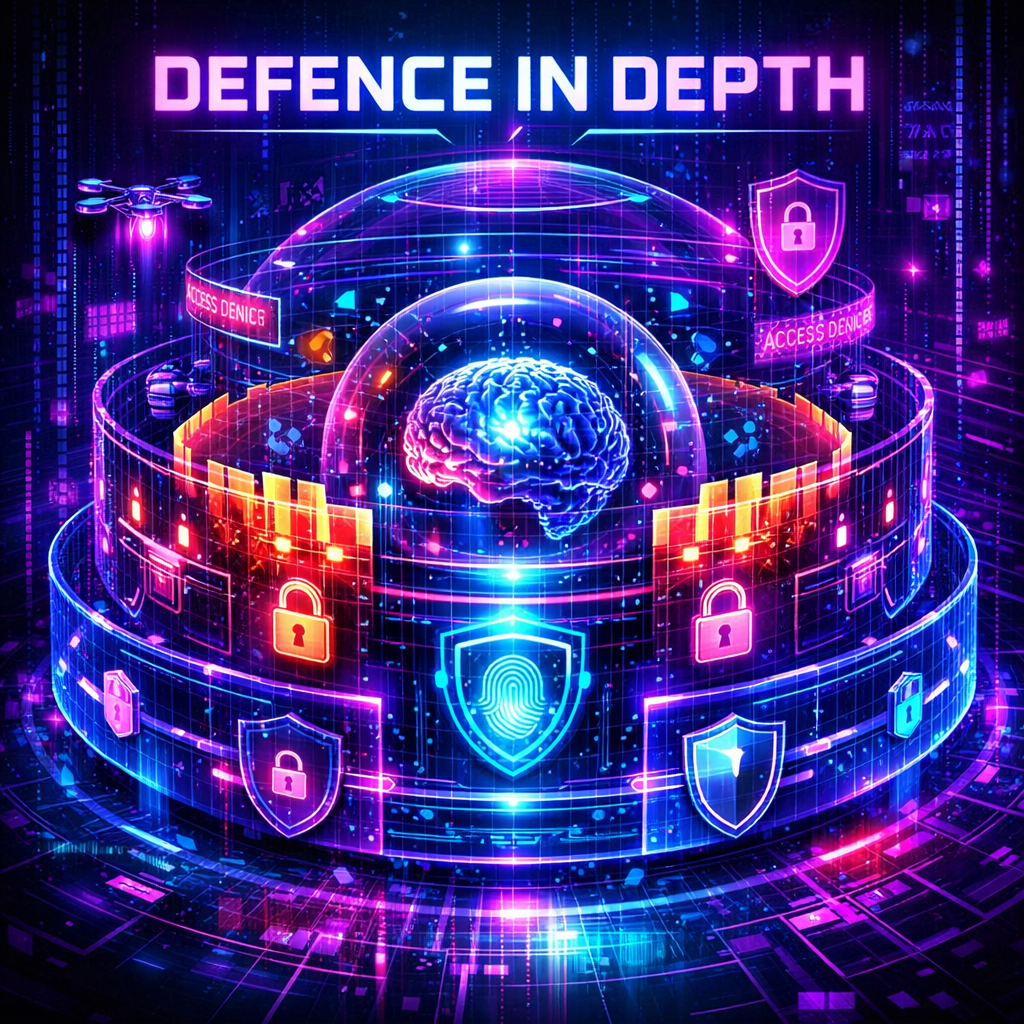
Defence in depth is the idea that no single security control is enough. Instead of relying on one tool or one decision to keep everything safe, you build multiple layers of protection around your environment.

The key assumption is simple: each layer assumes the previous one will fail.

The goal isn’t to make attacks impossible. That’s not realistic.
The goal is to make attacks expensive, detectable, and recoverable.

Jan 6, 2026
defence
Defence in Depth - Brief Introduction

Evolution of Endpoint Protection - Antivirus vs EDR

🛡️ Antivirus, EDR, and Cynet: How Cybersecurity Evolved to Meet Modern Threats

Cyber threats have come a long way — and so have the tools we use to fight them.

This post walks through three generations of cybersecurity protection:

  1. Traditional Antivirus
  2. Endpoint Detection and Response (EDR)
  3. Cynet All-In-One

Let’s look at what each was built for, how it works, and why the newest tools matter more than ever.


AV vs EDR

Oct 21, 2025
blue
Evolution of Endpoint Protection - Antivirus vs EDR

Pingcastle

🏰 Auditing Active Directory with PingCastle

PingCastle, developed by Vincent Le Toux, is a lightweight yet powerful tool for auditing Active Directory (AD). Now owned by Netwrix, PingCastle continues to offer its powerful community version for free, ensuring accessible Active Directory security for all.

PingCatle Main

In this post, I’ll walk you through the free version in action, using a virtual AD setup with a Windows Server 2012 R2 domain controller and a test domain: mickgb.ovh, running in a VirtualBox environment.

Oct 15, 2025
Active Directory
Pingcastle

Dmarc - Bringing it all together

📛 DMARC: The Missing Layer in Email Authentication

Despite implementing SPF and DKIM, many organisations still fall victim to spoofed emails. That’s where DMARC (Domain-based Message Authentication, Reporting & Conformance) comes in — a protocol designed to enforce domain identity and ensure only authorised sources can send on your behalf.


DMARC

🧬 What Is DMARC?

DMARC builds on SPF and DKIM by tying them together with policy enforcement and visibility. It ensures that:

Oct 13, 2025
email
Dmarc - Bringing it all together

DKIM Explained

🔐 DKIM — DomainKeys Identified Mail

DomainKeys Identified Mail (DKIM) is an email authentication method that uses digital signatures to prove that an email was:

  • Authorised by the owner of the sending domain
  • Not altered in transit

DKIM uses public-key cryptography: the sender’s mail server signs parts of the message with a private key, and the recipient verifies the signature using a public key published in the sender’s DNS.


DKIM

Oct 11, 2025
email
DKIM Explained

Sender Policy Framework

📡 Sender Policy Framework (SPF)

Sender Policy Framework (SPF) is an email authentication standard designed to prevent domain spoofing by verifying which mail servers are authorised to send emails for your domain.

It was introduced to fix a core flaw in SMTP — the protocol never verified the identity of the sender. SPF allows domain owners to publish a DNS record that specifies approved sending hosts, helping receiving mail servers identify forged messages.

Oct 11, 2025
email
Sender Policy Framework

Business Email Comprimise

📨 Business Email Compromise (BEC)

Business Email Compromise (BEC) is a targeted cyberattack where attackers impersonate or compromise legitimate business email accounts to deceive recipients into taking harmful actions, such as:

  • Transferring funds
  • Changing payment details
  • Sharing sensitive or confidential information

Unlike traditional phishing, BEC does not typically rely on malware. Instead, it leverages social engineering, exploitation of trust, and well-timed deception. Common variants include:

  • CEO fraud – impersonating senior executives to authorise transfers
  • Vendor Email Compromise (VEC) – targeting supplier communications
  • Account Takeover (ATO) – hijacking legitimate email accounts to operate covertly

Business Email Compromise

Oct 11, 2025
email
Business Email Comprimise

Firewall Basics - Linux

🛡️ Beginner’s Guide to Linux Firewalls: iptables & UFW

Whether you’re running a VPS, a dev box, or a personal server, setting up a firewall is essential. In this guide, we’ll show you how to secure your Linux machine using iptables and UFW, along with some simple but powerful default rules to block bad traffic while keeping your services online.


Linux Firewalls

🧙‍♂️ Option 1: UFW (Uncomplicated Firewall – beginner-friendly)

✅ Quick Setup (Good Defaults)

# Install UFW (usually pre-installed on Ubuntu)
sudo apt install ufw

# Set default policy: deny all incoming, allow all outgoing
sudo ufw default deny incoming
sudo ufw default allow outgoing

# Allow SSH so we don't lock ourselves out
sudo ufw allow ssh

# Allow web traffic
sudo ufw allow 80/tcp
sudo ufw allow 443/tcp

# Enable UFW
sudo ufw enable

# Check status
sudo ufw status verbose

🔥 Option 2: iptables (for advanced users)

iptables is the built-in firewall tool in Linux. It’s powerful, but less user-friendly than UFW. Here’s how to set up safe, common defaults:

Oct 11, 2025
blue
Firewall Basics - Linux

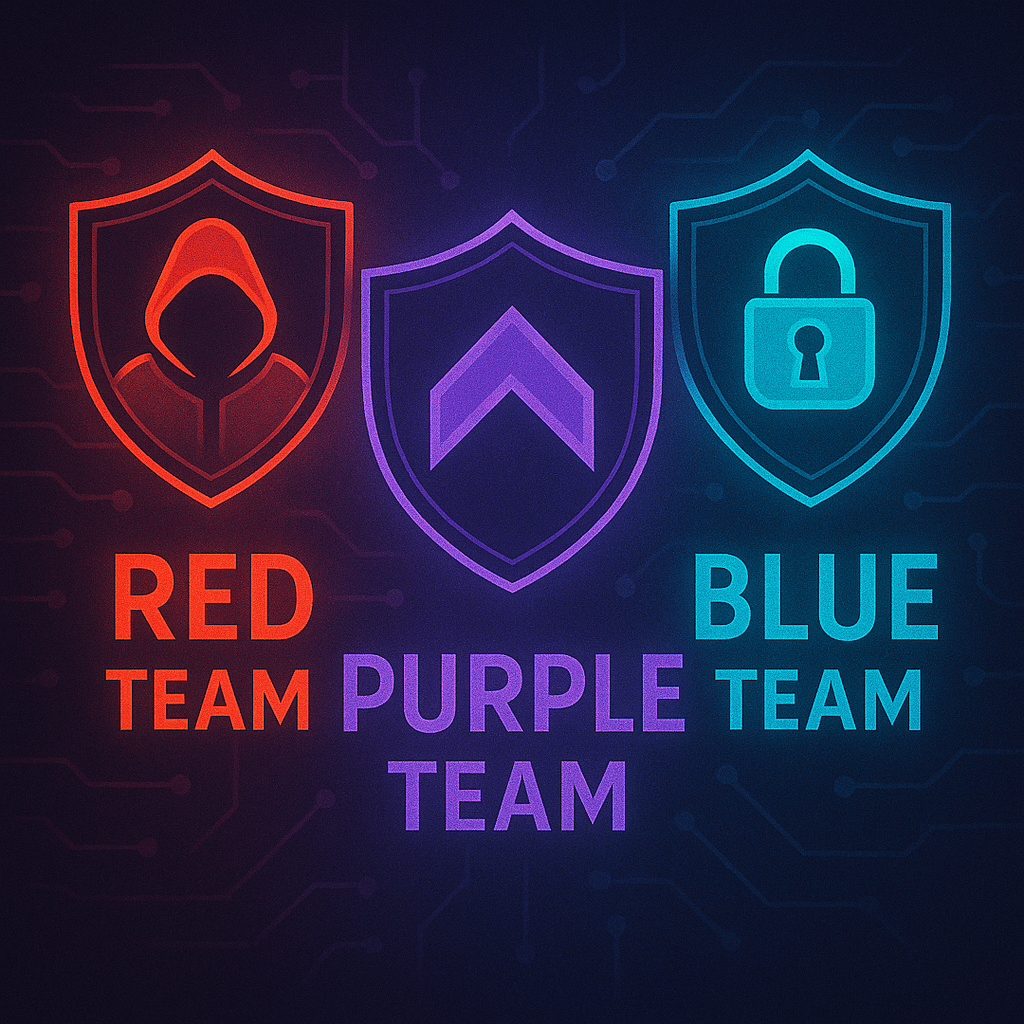
Cyber Security Teams and What the colours mean

Red Team vs Blue Team: Understanding the Core of Cyber Defense

In cybersecurity, the terms Red Team and Blue Team describe two sides of a simulated battle between attackers and defenders. These exercises help organizations test their resilience and improve their ability to detect and respond to real threats.


Cyber Teams

🟥 Red Team – The Attackers

The Red Team simulates real-world adversaries to uncover hidden weaknesses and test the limits of a system’s defenses. Their mission is to breach, persist, and evade — not to cause damage, but to reveal what a real attacker could do.

Sep 14, 2025
blueredpurple
Cyber Security Teams and What the colours mean